See your page the way AI bots see it.
ChatGPT, Claude and Perplexity don't run JavaScript, so anything your page builds in the browser never reaches them. RenderFox shows you what they get and puts a red box around everything they miss.
Free, with no account. Your pages stay in your browser.


Drag the line. This is a real RenderFox report on a made-up shop.
ChatGPT reads what your server sends, not what your browser builds.
Your browser downloads a page, runs its JavaScript and shows you the finished result. The live fetchers behind ChatGPT, Claude and Perplexity stop after the download.
If your prices, product names, reviews or FAQs are added by JavaScript, they aren't in what the assistant reads, and it answers as if they weren't on the page. You'd never spot it yourself, because your browser always finishes the job.
| Your browser | ChatGPT | |
|---|---|---|
| Downloads the HTML | ||
| Runs the page's JavaScript | ||
| Gets text added by JavaScript |
Click the fox and read the answer.
Open a page
Yours, a client's or a competitor's. Any normal page you can open in Chrome works.
Click RenderFox
It asks the site for that page the way ChatGPT, Claude and Perplexity do, and tells you in plain words what each of them gets.
See what's missing
One click opens the report, with your page next to the crawler's and everything it doesn't get boxed in red.
It tells you in plain words, then it shows you.
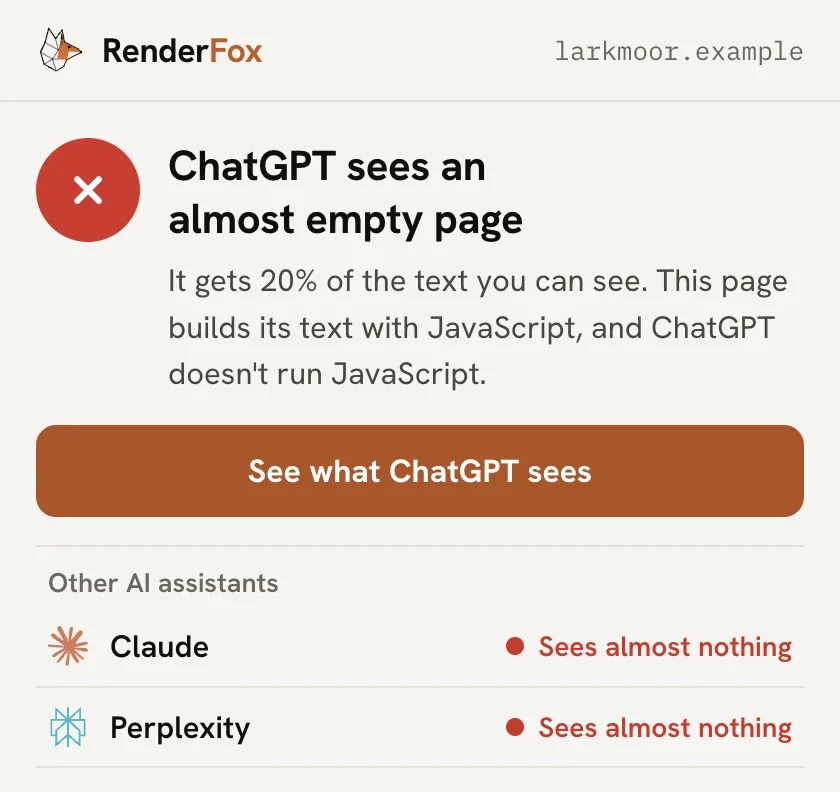
One plain answer
You get one sentence on whether ChatGPT can read the page and how much of the text reaches it. Claude and Perplexity get a line each underneath, so you can see if they differ.
Your page next to theirs
The report draws what you see beside what the crawler received, side by side or on a slider. The two views scroll together, so the gaps line up.
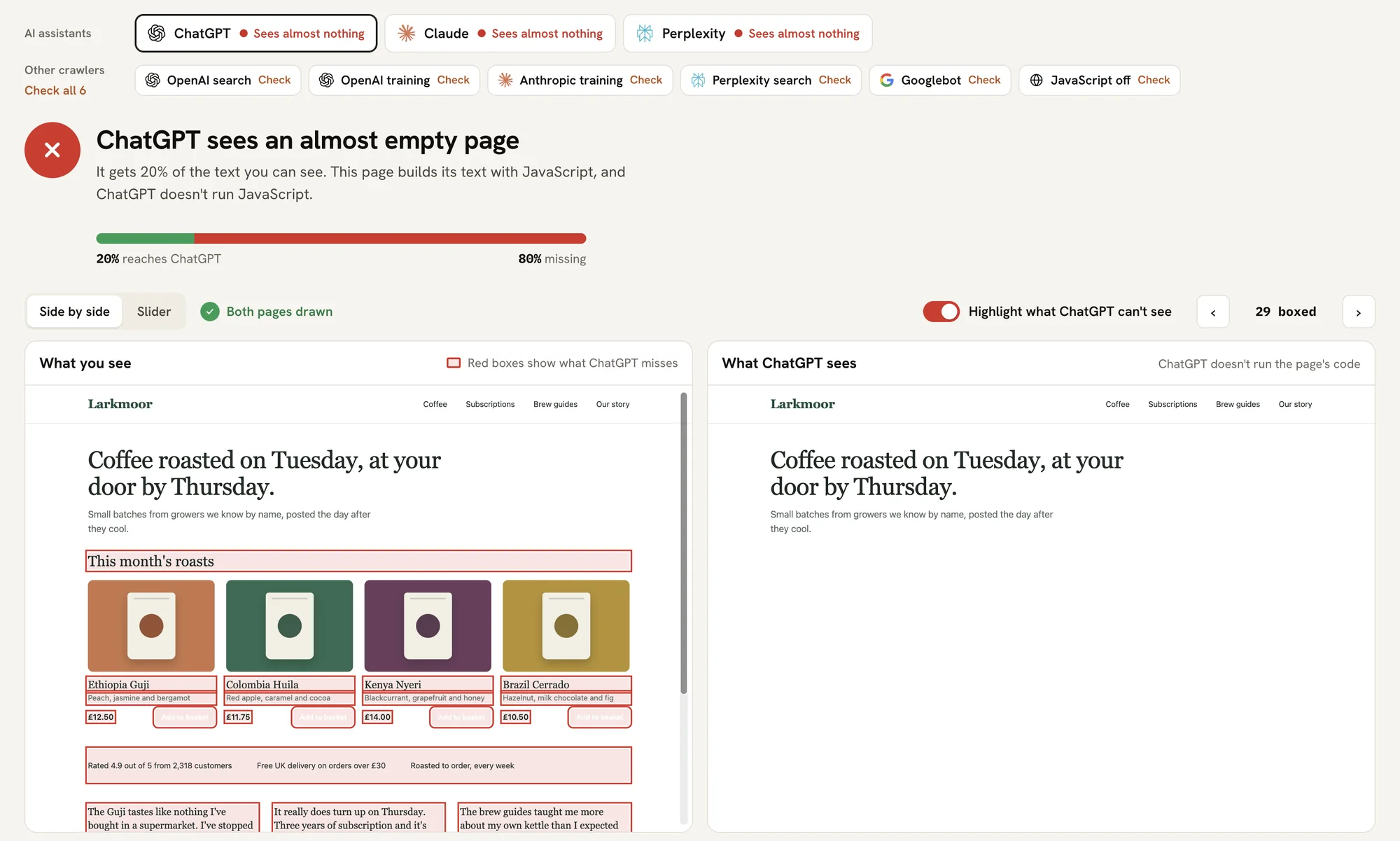
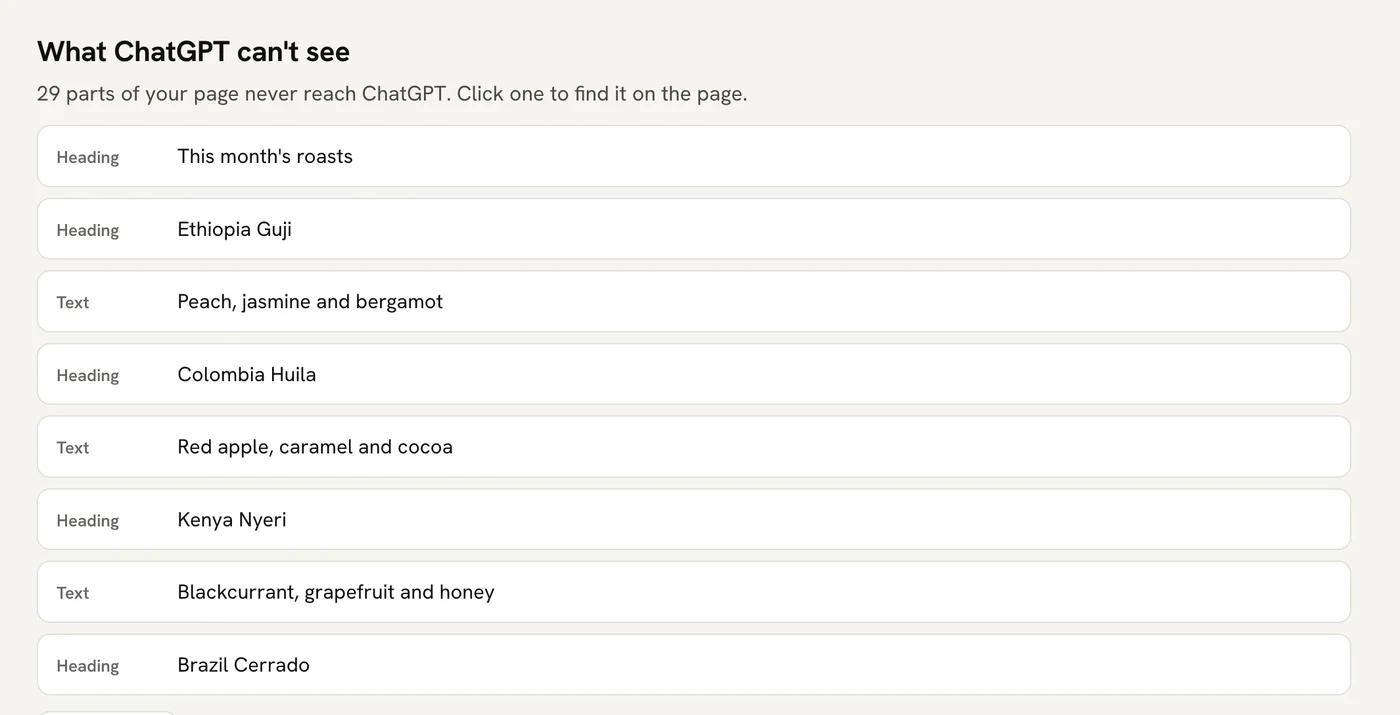
Every missing piece, boxed and listed
A red box means the crawler doesn't get that text, from a headline down to a price. If there's no box, it has it. The list under the page takes you to each one.
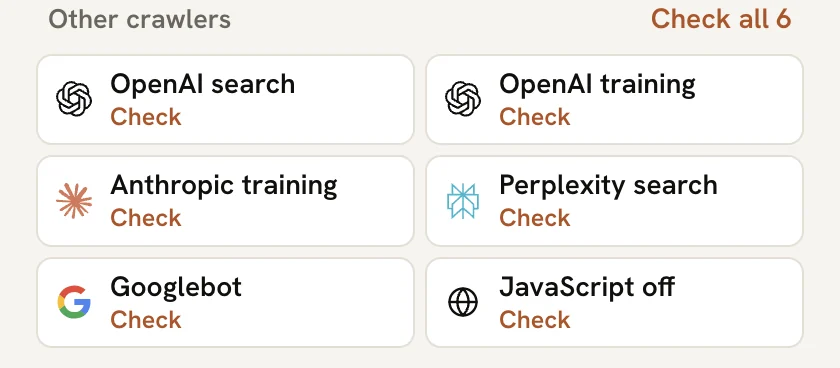
Nine crawlers in one report
ChatGPT, Claude and Perplexity are checked as soon as you open it. OpenAI's search and training crawlers, Anthropic's crawler, Perplexity's crawler, Googlebot and a browser with JavaScript off are a click away.
Blocked isn't the same as missing
If a site turns a crawler away or bot protection steps in, RenderFox tells you that and names the protection when it can, so you don't go fixing the wrong thing.
Pop-ups don't count against you
Cookie banners and chat windows added by a vendor's script are left out of the count, and the report says when one has been.
Your pages stay in your browser.
RenderFox has no server for your pages to go to. It reads the tab you click it on, asks that site for the same page and shows you the difference, all inside Chrome.
It only reads a page when you click the icon on it.
It asks the website for the page directly, without your cookies, as a crawler would.
Nothing is saved. There's no account to create, and the copies are gone shortly after you close the report.
RenderFox scores a page the same way as the free JS Rendering Gap Checker. It's built by Suganthan Mohanadasan, who also made FanoutFox, the Chrome extension that shows how ChatGPT picks its sources.
Questions
What does a red box mean?
That text is on your page but isn't in what the crawler received. If something has no box, the crawler has it. Text inside a closed menu or tab can't be boxed on screen, so it's listed separately.
Is this exactly what ChatGPT gets?
It's the same kind of request, sent under ChatGPT's published name and without your cookies, but it comes from your computer rather than OpenAI's. A site that checks where a crawler really comes from can answer differently, and when bot protection steps in, RenderFox tells you.
Does Google have the same problem?
Google does run JavaScript, but later, so Googlebot doesn't have that text at first. RenderFox shows you what Googlebot gets before that happens.
How do I fix a page that's missing text?
Put the text in the HTML your server sends. Developers call that server-side rendering. The list of missing text tells them exactly what needs to move.
Does it change my site?
No. RenderFox asks for the page once for each crawler you check, and it never changes anything on your site or in your tab.
Does it work on every page?
It works on normal web pages you can open in Chrome. Chrome doesn't let extensions read its own settings pages or the Chrome Web Store.
Is it free?
Yes. There's no paid tier or account to create. It runs in your browser, so it costs me nothing to run and you nothing to use.